

Web Hosting Explained: The Complete Beginner’s Guide to Types, Features, Benefits & Choosing the Best Hosting (2026)
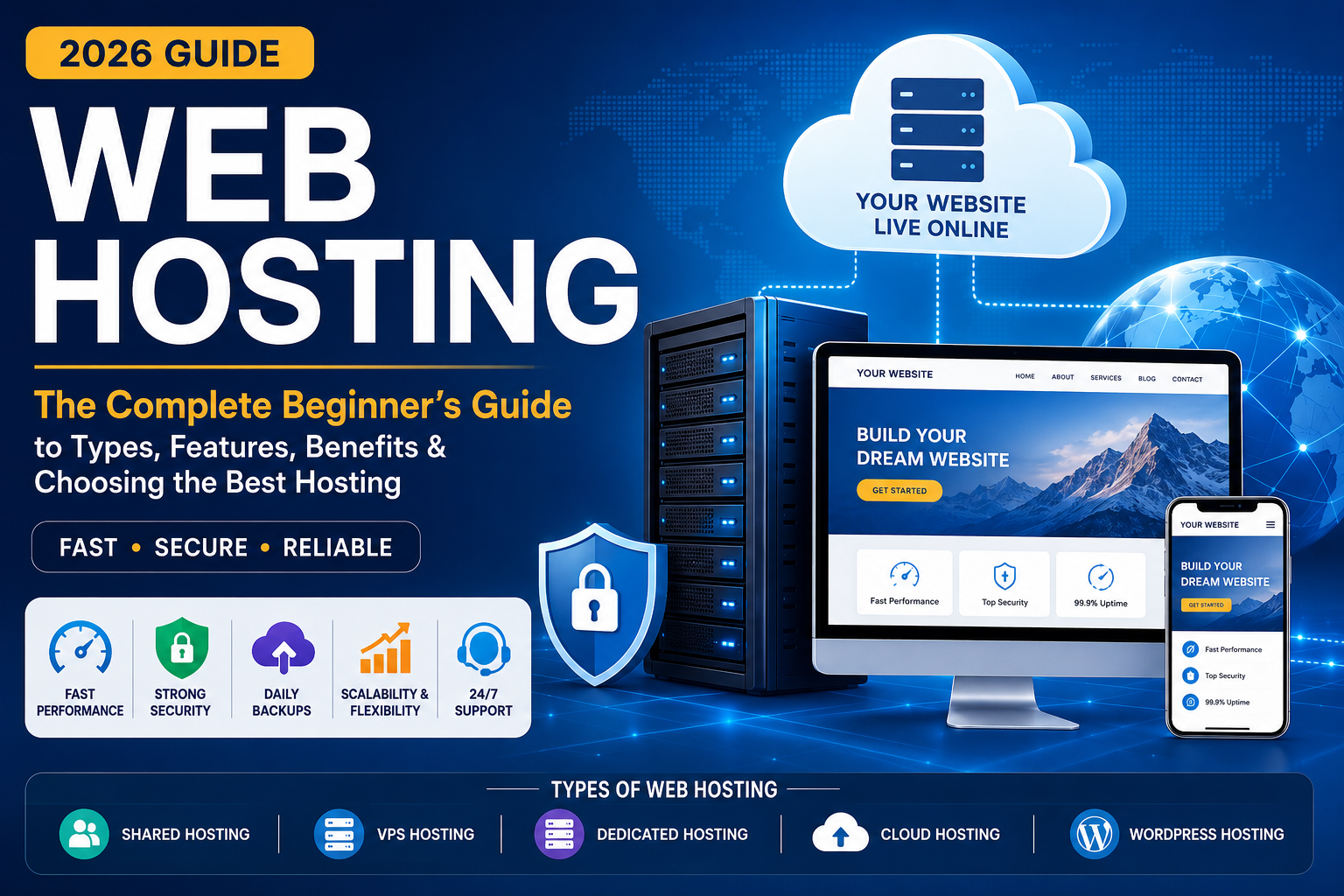
Every website you visit—from personal blogs to large e-commerce platforms—is available online because of web hosting. Whether you want to create a personal portfolio, launch a business website, or start a WordPress blog, selecting the right hosting service is one of the most important decisions you’ll make.
A good web hosting provider improves website speed, security, uptime, and search engine optimization (SEO), while a poor hosting service can result in slow loading pages, security risks, and frustrated visitors.
This guide explains web hosting from the ground up, helping beginners understand how it works, the different hosting options available, and the factors to consider before choosing a provider.
What Is Web Hosting?
Web hosting is a service that stores your website’s files, databases, images, videos, and code on internet-connected servers. These servers make your website accessible to visitors 24 hours a day through a domain name.
Think of it this way:
- Domain Name = Your website’s address (www.domainname.com)
- Web Hosting = The building where your website lives like (Hostinger, godaddy)
- Website Files = The furniture and contents inside the building (HTML,CSS,JavaScript,PHP)
Without web hosting, your website cannot be accessed over the internet.
How Does Web Hosting Work?
When someone enters your domain name into a browser:
- The browser requests your website.
- DNS(Domain Name System) directs the request to your hosting server. . It translates human-friendly website names like google.com into numerical IP addresses that computers use to talk to each other
- The server processes the request.
- Website files are sent back to the visitor’s browser.
- The page is displayed within seconds.
Modern hosting providers use SSD or NVMe storage, caching, CDNs, and optimized web servers to improve performance.

Main Components of Web Hosting
Server
A computer that stores website data and delivers it to visitors.
Storage
Stores HTML, CSS, JavaScript, images, videos, databases, and backups.
Bandwidth
The amount of data transferred between your website and visitors.
Database
Stores dynamic content such as users, products, and blog posts.
Control Panel
Provides an interface to manage hosting, domains, email accounts, databases, and files.
SSL Certificate
Encrypts data between visitors and the server using HTTPS.
Types of Web Hosting
Shared Hosting
Multiple websites share the same server resources.
Best For
- Personal blogs
- Small websites
- Beginners
- Students
Pros
- Affordable
- Easy to manage
- Beginner-friendly
Cons
- Limited resources
- Performance may vary during traffic spikes
VPS Hosting (Virtual Private Server)
A physical server is divided into multiple virtual servers with dedicated resources.
Best For
- Growing businesses
- Medium-traffic websites
- Developers
Pros
- Better performance
- Greater flexibility
- Improved isolation
Cons
- Requires more technical knowledge than shared hosting
Dedicated Hosting
An entire physical server is dedicated to one customer.
Best For
- Large enterprises
- High-traffic websites
- Resource-intensive applications
Pros
- Maximum performance
- Full control
- High security
Cons
- Higher cost
- Server management responsibilities
Cloud Hosting
Resources are distributed across multiple connected servers.
Best For
- Business websites
- SaaS applications
- E-commerce
- High availability requirements
Pros
- Excellent scalability
- High uptime
- Flexible resource allocation
Cons
- Pricing can vary with usage
Managed WordPress Hosting
Hosting optimized specifically for WordPress.
Best For
- Bloggers
- Content creators
- Businesses using WordPress
Features
- Automatic updates
- Daily backups
- Enhanced security
- WordPress optimization
- Expert support
Key Features to Look For
- High uptime (99.9% or better)
- Fast SSD or NVMe storage
- Free SSL certificate
- Daily backups
- Malware protection
- DDoS protection
- CDN integration
- Email hosting
- One-click application installer
- Automatic updates
- 24/7 customer support
- Easy control panel
Benefits of Good Web Hosting
Faster Website Speed
Improves user experience and search engine rankings.
Better Security
Protects your website from malware, attacks, and unauthorized access.
Higher Uptime
Keeps your website available around the clock.
Improved SEO
Search engines prefer fast, reliable websites.
Easy Scalability
Upgrade resources as your website grows.
Common Web Hosting Technologies
- Apache
- Nginx
- LiteSpeed
- PHP
- MySQL
- MariaDB
- Redis
- Memcached
- HTTP/3
- IPv6
- SSD Storage
- NVMe Storage
- CloudLinux
- cPanel
- Plesk
Security Best Practices
- Enable HTTPS
- Use strong passwords
- Enable multi-factor authentication
- Update software regularly
- Scan for malware
- Schedule automatic backups
- Use a Web Application Firewall (WAF)
- Limit administrator access
Common Hosting Mistakes
- Choosing solely based on price
- Ignoring uptime guarantees
- Skipping backups
- Not checking support quality
- Overlooking scalability
- Buying unnecessary add-ons
- Ignoring security features
How to Choose the Best Hosting Provider
Before purchasing a hosting plan, evaluate:
- Website type
- Expected traffic
- Performance
- Storage requirements
- Budget
- Customer support
- Security features
- Backup options
- Data center locations
- Ease of use
- Upgrade path
Who Needs Web Hosting?
- Bloggers
- Students
- Small businesses
- Online stores
- Educational websites
- Portfolio websites
- Non-profit organizations
- Freelancers
- Agencies
- Developers
Future Trends in Web Hosting
The hosting industry continues to evolve with:
- AI-assisted server management
- Green and energy-efficient data centers
- Edge computing
- Container-based deployments
- Enhanced cybersecurity
- Serverless technologies
- Faster NVMe storage
- Intelligent performance optimization
Frequently Asked Questions (FAQ)
What is web hosting?
Web hosting is a service that stores website files on internet-connected servers so visitors can access your website using a domain name.
Do I need web hosting to create a website?
Yes. Unless you’re using a fully hosted website builder, web hosting is required to publish a website on the internet.
Which hosting type is best for beginners?
Shared hosting or managed WordPress hosting is typically the best choice for beginners because it is affordable and easy to manage.
Is free web hosting a good option?
Free hosting can be useful for learning, but it often has limitations such as ads, limited storage, slower performance, and fewer security features. It is generally not recommended for professional websites.
Can I upgrade my hosting later?
Yes. Most hosting providers allow you to upgrade to VPS, cloud, or dedicated hosting as your website grows.
Conclusion
Web hosting is the foundation of every website. Choosing the right hosting service affects performance, security, reliability, and long-term growth. Beginners should prioritize uptime, speed, security, responsive support, and scalability over the lowest price. By understanding the different hosting types and essential features, you can confidently select a hosting solution that meets your current needs and supports future growth.
Recommended External References
- Internet Corporation for Assigned Names and Numbers (ICANN) – Official information about domain names, DNS, and internet governance.
- Internet Assigned Numbers Authority (IANA) – Technical coordination for internet protocols, DNS root, and IP addressing.
- World Wide Web Consortium (W3C) – Official web standards for HTML, CSS, accessibility, and web technologies.
- Mozilla Developer Network (MDN) Web Docs – Comprehensive documentation for web development and hosting-related technologies.
- Let’s Encrypt – Official resource for free SSL/TLS certificates and HTTPS.
- cPanel Documentation – Official documentation for one of the most widely used web hosting control panels.
- Plesk Documentation – Official documentation for the Plesk hosting control panel.
- Apache HTTP Server Documentation – Official documentation for the Apache web server.
- NGINX Documentation – Official documentation for the NGINX web server.
- WordPress Hosting Documentation – Official WordPress hosting recommendations and requirements.
- Cloudflare Learning Center – Guides on CDN, DNS, website security, SSL, and performance optimization.
- PHP Documentation – Official PHP language documentation used by many web hosting environments.

vkgandhig
Technology, AI and Cyber Security Updates.

Leave a Reply