

Artificial Intelligence is transforming software development, and AI Coding Assistants have become one of the most valuable tools for programmers. Whether you’re a beginner learning programming or an experienced software engineer building enterprise applications, AI coding assistants help you write better code faster while reducing errors.
These intelligent tools can generate code, explain complex programming concepts, detect bugs, create documentation, optimize performance, and even help developers learn new programming languages.
In this guide, you’ll learn everything about AI Coding Assistants, including how they work, their benefits, popular tools, practical applications, limitations, and future trends.

Table of Contents
What Are AI Coding Assistants?
AI Coding Assistants are artificial intelligence-powered software tools that help developers write, understand, review, and optimize source code. They use Large Language Models (LLMs) trained on millions of programming examples, documentation, and open-source repositories.
Instead of manually searching documentation or writing repetitive code, developers can simply describe what they want in natural language, and the AI generates relevant code suggestions.
These assistants work inside popular code editors such as:
- Visual Studio Code
- Visual Studio
- JetBrains IDEs
- Android Studio
- IntelliJ IDEA
- Eclipse
- Vim and Neovim
How Do AI Coding Assistants Work?
AI coding assistants combine Natural Language Processing (NLP), Machine Learning, and Large Language Models to understand developer intent.
Step 1: Understand User Request
The developer types:
“Create a login API using Python Flask.”
The AI analyzes the prompt.
Step 2: Analyze Existing Code
The assistant studies:
- Current file
- Project structure
- Imported libraries
- Variables
- Functions
- Coding style
Step 3: Generate Code
The AI predicts the most appropriate code based on the project context.
Example:
from flask import Flask

app = Flask(__name__)

@app.route('/login')
def login():
    return "Login Successful"
Step 4: Learn from Feedback
Modern AI assistants continuously improve suggestions based on accepted or rejected recommendations.
Key Features of AI Coding Assistants
Intelligent Code Completion
Predicts code as you type.
Example
Instead of writing:
document.getElementById("btn")
The AI automatically suggests the complete statement.
Code Generation
Generate complete functions from natural language.
Example prompt:
“Create a binary search algorithm in Java.”
The AI writes the entire function.
Bug Detection
AI identifies:
- Syntax errors
- Logical mistakes
- Runtime issues
- Null pointer exceptions
- Memory leaks
Code Explanation
Developers can ask:
Explain this code.
The AI describes each line in simple language.
Refactoring
The assistant improves:
- Readability
- Performance
- Maintainability
- Security
without changing functionality.
Documentation Generation
Automatically creates:
- Function comments
- README files
- API documentation
- Class descriptions
Unit Test Generation
AI generates:
- Test cases
- Edge cases
- Mock data
- Assertions
for popular testing frameworks.
SQL Query Generation
Developers can type:
Find all customers registered in the last 30 days.
The AI converts it into SQL.
Regular Expression Creation
Generate complex regex using simple English descriptions.
Benefits of AI Coding Assistants
Faster Development
Developers spend less time writing repetitive code.
Increased Productivity
Routine coding tasks become automated.
Reduced Bugs
AI detects errors before deployment.
Faster Learning
Beginners receive explanations, examples, and best practices instantly.
Better Code Quality
Generated code often follows established design patterns and coding standards.
Improved Team Collaboration
AI helps maintain consistent coding styles across teams.
Multi-Language Support
Most assistants support:
- Python
- Java
- C#
- JavaScript
- TypeScript
- PHP
- Go
- Rust
- Kotlin
- Swift
- C++
- SQL
Popular AI Coding Assistants in 2026
GitHub Copilot
One of the most widely used AI coding assistants that integrates with major IDEs.
Best For
- Code completion
- Function generation
- Documentation
ChatGPT
Useful for:
- Explaining code
- Debugging
- Architecture planning
- Learning programming
- Algorithm optimization
Google Gemini Code Assist
Provides AI-powered coding support with Google’s AI ecosystem.
Amazon Q Developer
Designed for cloud development and AWS services.
Cursor AI
An AI-first code editor with built-in intelligent programming assistance.
Codeium
A free AI coding assistant supporting numerous programming languages and IDEs.
Tabnine
Offers privacy-focused AI code completion suitable for enterprise environments.
AI Coding Assistants vs Traditional IDE Autocomplete
| Feature | Traditional Autocomplete | AI Coding Assistant |
|---|---|---|
| Context Understanding | Limited | Excellent |
| Full Function Generation | No | Yes |
| Bug Detection | Basic | Advanced |
| Code Explanation | No | Yes |
| Documentation | Manual | Automatic |
| Test Generation | No | Yes |
| Natural Language Commands | No | Yes |
Real-World Applications
Web Development
- HTML
- CSS
- JavaScript
- React
- Angular
- Vue
- Node.js
Mobile App Development
- Android
- iOS
- Flutter
- React Native
Backend Development
- Spring Boot
- Django
- Flask
- ASP.NET
- Express.js
Data Science
Generate:
- Pandas code
- NumPy scripts
- TensorFlow models
- PyTorch examples
DevOps
Create:
- Dockerfiles
- Kubernetes YAML
- CI/CD pipelines
- Infrastructure as Code
Cybersecurity
Assist with:
- Secure coding practices
- Vulnerability detection
- Security reviews
- Threat analysis
Challenges of AI Coding Assistants
Although powerful, AI coding assistants have some limitations.
Incorrect Code Suggestions
AI may occasionally generate incorrect or outdated code.
Security Risks
Generated code should always be reviewed for security vulnerabilities.
Over-Reliance
Developers should understand the code instead of blindly accepting suggestions.
Licensing Concerns
Organizations should verify compliance with software licensing policies when using AI-generated code.
Privacy Issues
Sharing proprietary or confidential code with cloud-based AI services may require careful consideration.
Best Practices for Using AI Coding Assistants
- Review every AI-generated suggestion before using it.
- Write clear and specific prompts.
- Validate generated code with testing.
- Follow secure coding standards.
- Keep dependencies updated.
- Use version control (Git).
- Avoid sharing sensitive credentials or confidential code.
- Continue learning programming fundamentals.
Future of AI Coding Assistants
Future AI coding assistants are expected to offer:
- Autonomous software development workflows
- AI-powered software architecture recommendations
- Automatic bug fixing
- Self-improving codebases
- Real-time team collaboration
- Multi-agent software engineering
- Voice-based programming
- Deeper integration with DevOps and cloud platforms
These advancements will enable developers to focus more on solving business problems and designing innovative solutions.
Frequently Asked Questions (FAQs)
Are AI Coding Assistants replacing software developers?
No. AI coding assistants enhance developer productivity but still require human oversight, problem-solving skills, and architectural decision-making.
Can beginners use AI Coding Assistants?
Yes. They are excellent learning tools that explain code, provide examples, and help new programmers understand programming concepts.
Which programming languages are supported?
Most modern AI coding assistants support Python, JavaScript, Java, C#, C++, Go, Rust, PHP, Kotlin, Swift, SQL, and many others.
Are AI Coding Assistants free?
Some tools provide free plans with limited features, while others offer paid subscriptions with advanced capabilities and enterprise features.
Do AI Coding Assistants work offline?
Some enterprise and locally hosted solutions support offline or on-premises use, but many popular assistants rely on cloud-based AI models.
Conclusion
AI Coding Assistants are revolutionizing software development by accelerating coding, improving code quality, reducing repetitive work, and helping developers learn faster. While they are not a replacement for skilled programmers, they serve as intelligent collaborators that streamline development workflows. By combining AI assistance with strong programming fundamentals and careful code review, developers and organizations can build software more efficiently and with greater confidence.
SEO Keywords
AI Coding Assistants, AI Programming Tools, AI Code Generator, AI Developer Tools, AI for Coding, Code Completion AI, AI Software Development, AI Programming Assistant, GitHub Copilot Alternatives, ChatGPT for Coding, Codeium, Cursor AI, Amazon Q Developer, Google Gemini Code Assist, AI Code Review, AI Debugging, AI Code Explanation, AI Code Optimization, Large Language Models for Programming, Best AI Coding Tools 2026
Image SEO
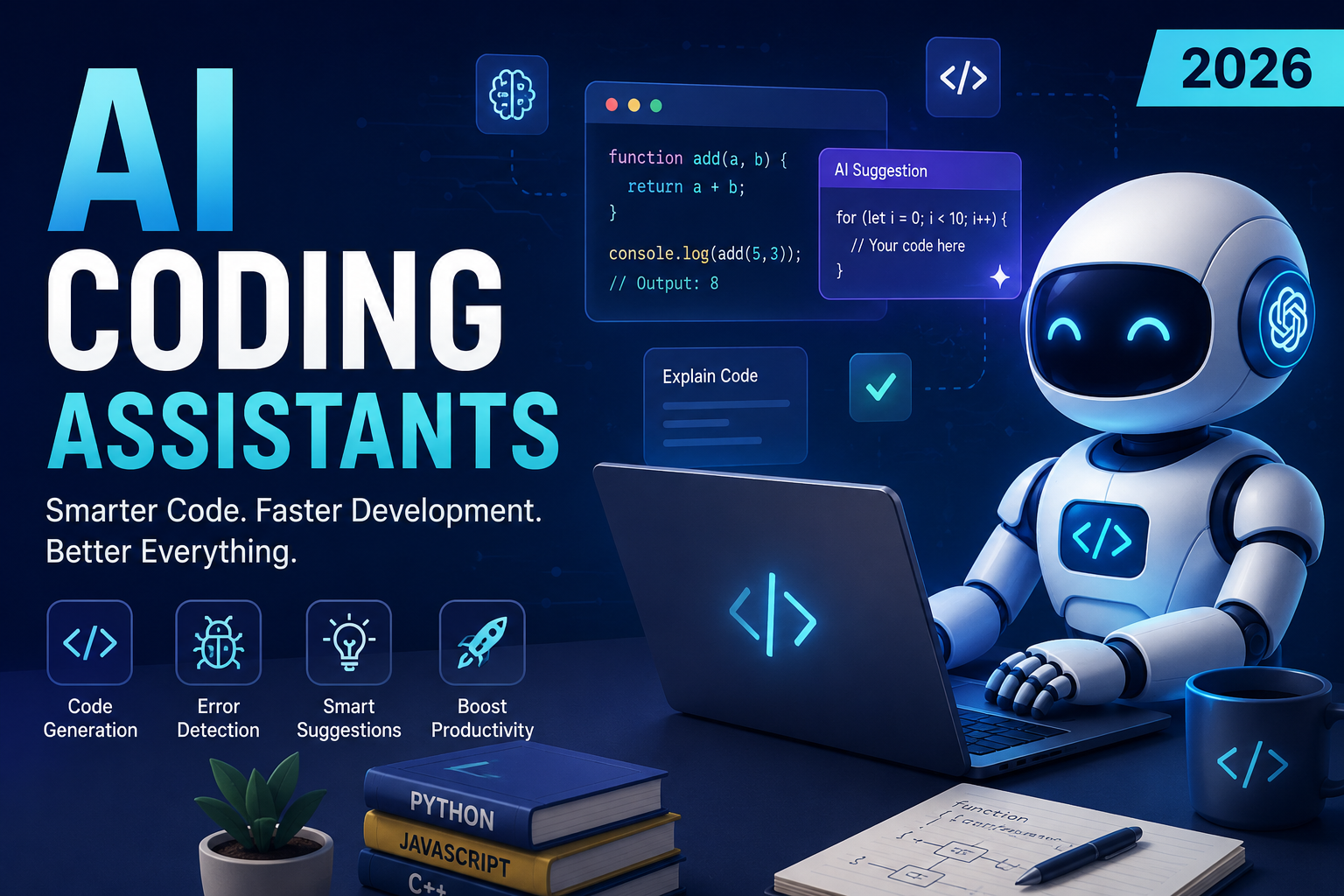
Feature Image Title: AI Coding Assistants – Smart Programming with Artificial Intelligence (2026)
Alt Text: Developer using AI Coding Assistant to generate code, debug applications, and improve software development productivity.
Caption: AI Coding Assistants help developers write code faster, detect bugs, automate documentation, and improve software quality with intelligent suggestions.
Image Description: A futuristic software development workspace featuring an AI-powered coding assistant, programming interface, code completion, debugging tools, cloud integration, and modern development technologies, representing next-generation AI-assisted software engineering in 2026.