

OpenAI Codex: The Complete Guide to AI-Powered Coding in 2026
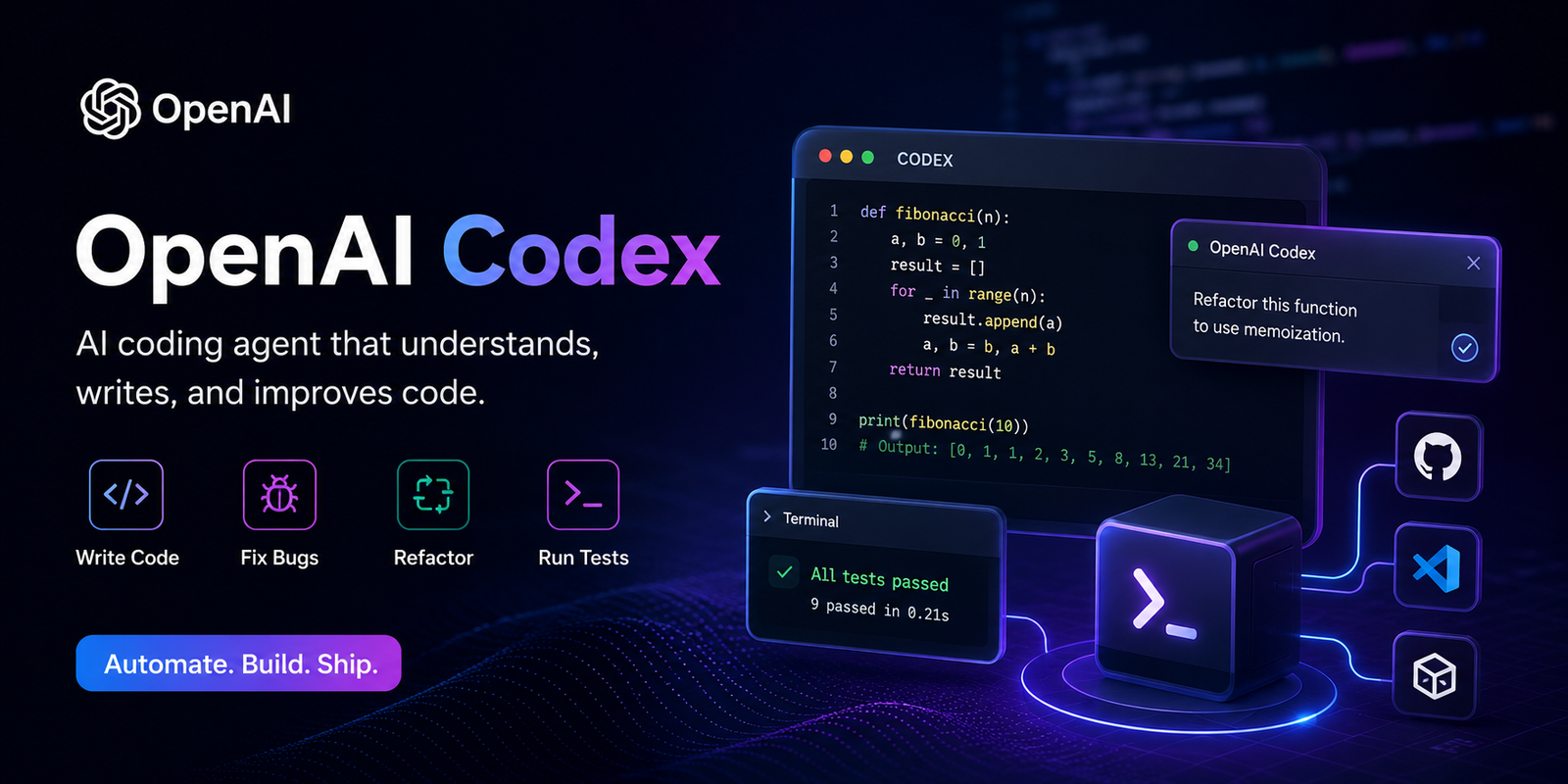
OpenAI Codex is an AI-powered coding assistant that helps developers write, understand, debug, and improve code using natural language. Instead of manually writing every line of code, you can simply describe what you want, and Codex generates high-quality code, explains existing code, and even helps fix bugs across entire projects. It is designed to work with multiple programming languages and integrates with the command line, IDEs, and ChatGPT. (OpenAI)
Table of Contents
What is OpenAI Codex?
OpenAI Codex is an intelligent coding agent developed by OpenAI. It understands natural language instructions and converts them into working code. Unlike a traditional code editor, Codex can analyze an entire project, understand dependencies, and make coordinated changes across multiple files. (OpenAI)
Key Features
- AI-powered code generation
- Code explanation
- Bug detection and fixing
- Code refactoring
- Unit test generation
- Documentation creation
- Git repository understanding
- Multi-file project editing
- Support for dozens of programming languages
- Integration with IDEs and the command line (GitHub)
Programming Languages Supported
OpenAI Codex supports many popular programming languages, including:
How Codex Works
The workflow is simple:
- Open Codex.
- Connect your project or Git repository.
- Describe your task in plain English.
- Codex analyzes the project.
- It generates or edits code.
- Review and approve the changes.
- Test your application. (OpenAI)
Best Examples
Example 1: Create a Login Page
Prompt
Create a responsive login page using React, Tailwind CSS, and TypeScript.
Include form validation and dark mode.
Codex can generate:
- Login form
- CSS styling
- Validation
- Dark mode
- Responsive layout
Example 2: Fix PHP Errors
Prompt
Find all PHP warnings in my WordPress plugin.
Fix them without changing functionality.
Codex will:
- Analyze every PHP file
- Identify warnings
- Fix deprecated code
- Explain the changes
Example 3: Create REST API
Prompt
Create a REST API in PHP for CRUD operations.
Use MySQL and prepared statements.
Codex generates:
- Database connection
- CRUD functions
- Validation
- API endpoints
Example 4: SQL Optimization
Prompt
Optimize this SQL query for faster execution.
Codex explains:
- Missing indexes
- Better JOINs
- Query optimization
- Performance improvements
Example 5: WordPress Plugin
Prompt
Create a WordPress plugin that displays the latest posts in a responsive slider.
Codex generates:
- Plugin structure
- PHP code
- CSS
- JavaScript
- Admin settings
Example 6: React Project
Prompt
Create a React + Vite + Tailwind blog website.
Codex creates:
- Components
- Routing
- API integration
- Responsive design
- Build configuration
Why Developers Love Codex
Saves Time
Tasks that previously took hours can often be completed much faster with AI assistance.
Improves Code Quality
Codex can identify bugs, suggest best practices, and generate cleaner code.
Helps Beginners
New developers can ask questions in plain English and receive explanations alongside code.
Supports Large Projects
Codex can work across multiple files and understand the broader project structure. (GitHub)
How to Install OpenAI Codex
Option 1: Install with npm
npm install -g @openai/codex
Option 2: macOS
brew install --cask codex
Option 3: Windows
Open PowerShell and run:
powershell -ExecutionPolicy ByPass -c "irm https://chatgpt.com/codex/install.ps1 | iex"
After installation, start Codex with:
codex
Then sign in with your ChatGPT account or configure an API key if you prefer. (GitHub)
Official Download Links
- Get Started with Codex: OpenAI Codex Get Started
- GitHub Repository: OpenAI Codex on GitHub
- npm Package: @openai/codex on npm
Tips for Better Results
- Write clear prompts.
- Mention the programming language and framework.
- Specify versions (e.g., PHP 8.3, React 19).
- Ask Codex to explain its changes.
- Review generated code before deploying it.
- Use Git to track and review modifications.
Frequently Asked Questions
Is Codex free?
Codex availability depends on your ChatGPT plan or API usage. Some features are included with supported ChatGPT plans, while API-based usage may incur separate charges. (GitHub)
Does Codex replace programmers?
No. Codex is a productivity tool that assists developers. Human review, testing, and architectural decisions remain essential.
Can Codex build an entire website?
Yes, it can help generate a complete website or application, including frontend, backend, APIs, database code, tests, and documentation, though you’ll still need to review and validate the output.
Conclusion
OpenAI Codex is one of the most capable AI coding assistants available today. Whether you’re a beginner learning to code or an experienced developer maintaining a large codebase, Codex can help you write code faster, debug more effectively, generate documentation, and automate repetitive development tasks. By combining natural language understanding with deep programming knowledge, it enables you to focus more on solving problems and less on boilerplate coding. (OpenAI)
Recommended video tutorial:

vkgandhig
Technology, AI and Cyber Security Updates.

Leave a Reply